

A journal that reads you back.
A few lines a day. Watch your weeks take shape, get a Read on who you're becoming, and give every month a name. End-to-end encrypted.


Tried journaling. Never stuck.
Six pieces. One quiet loop.
Your areas, filed for you
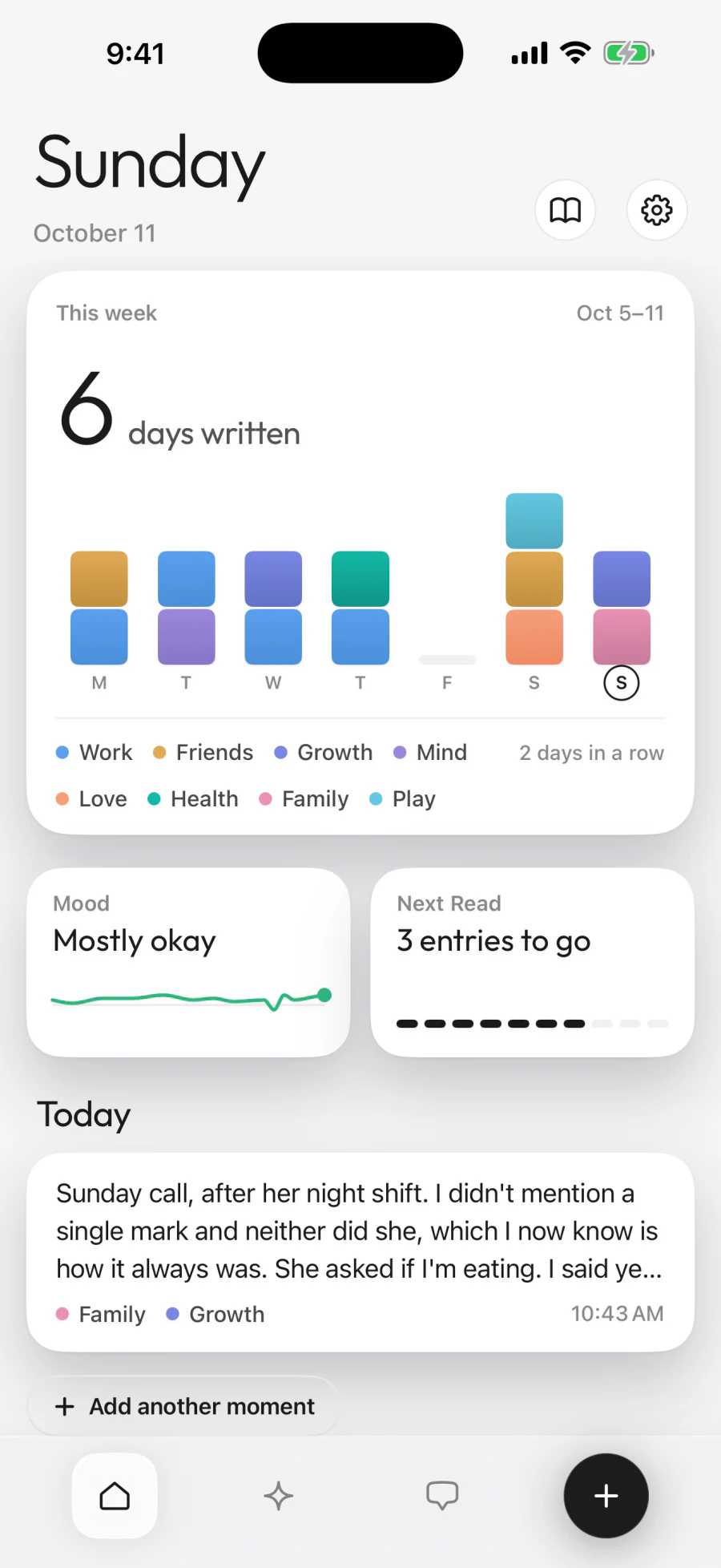
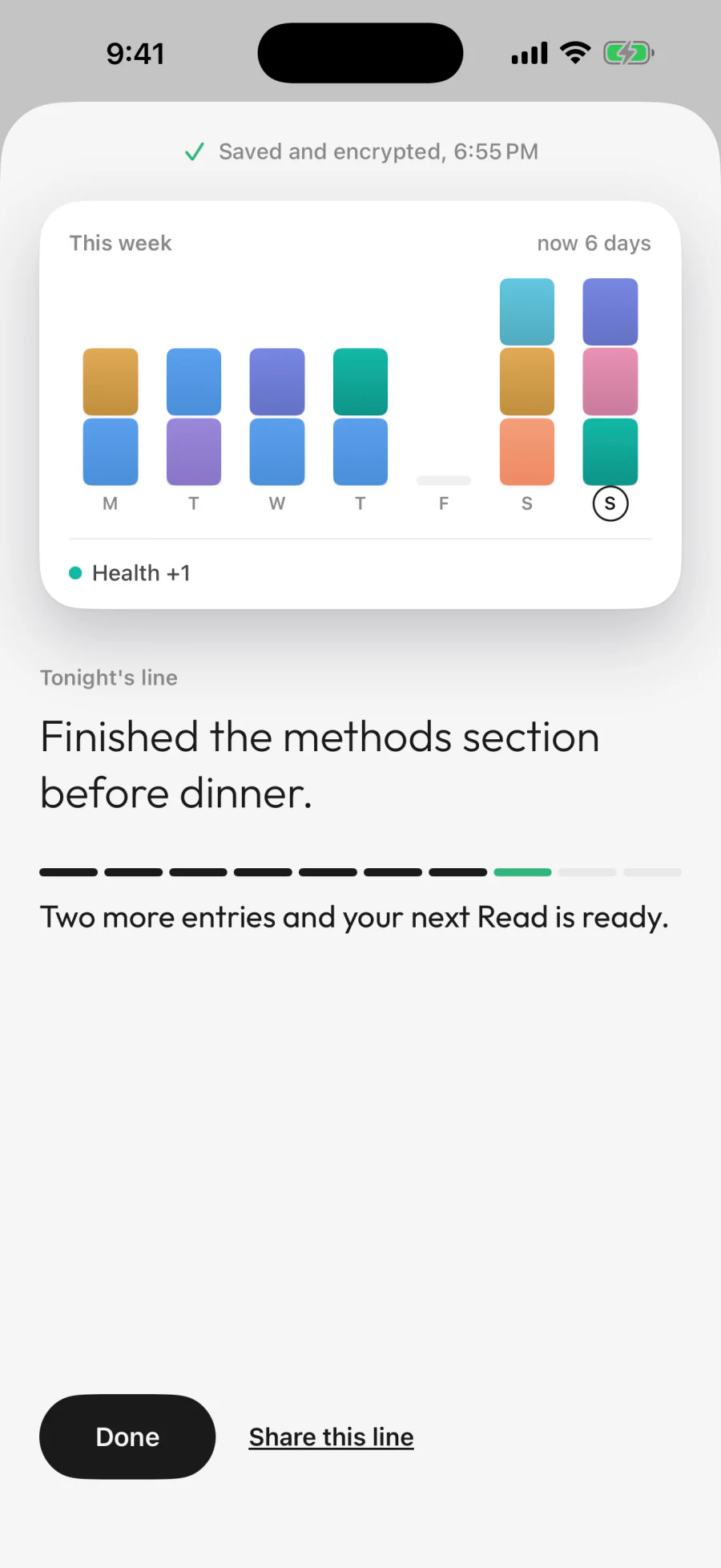
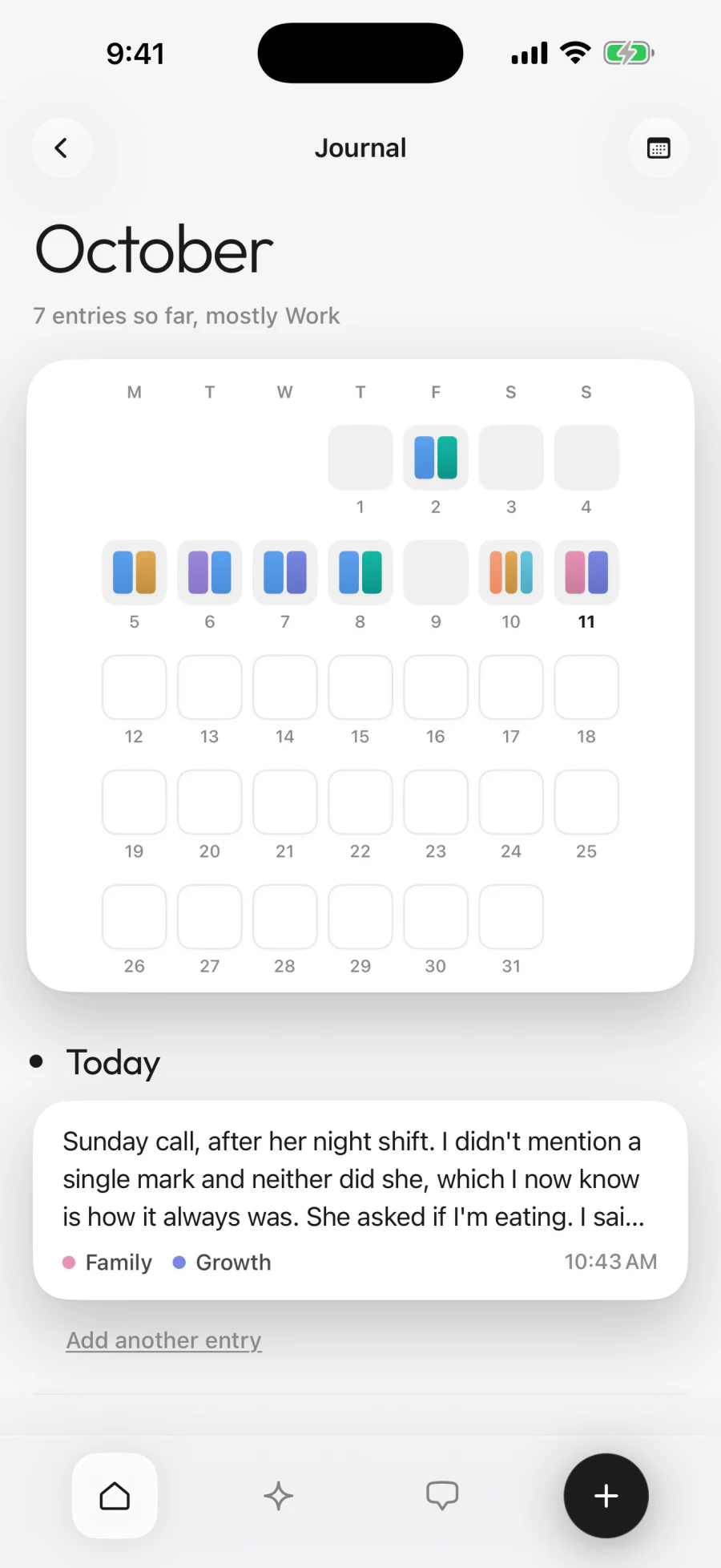
Write a sentence or a thousand. Diarello files each entry under the parts of your life it touches: Mind, Work, Friends, Family, Love, Health, Growth, Play.
A daily journal
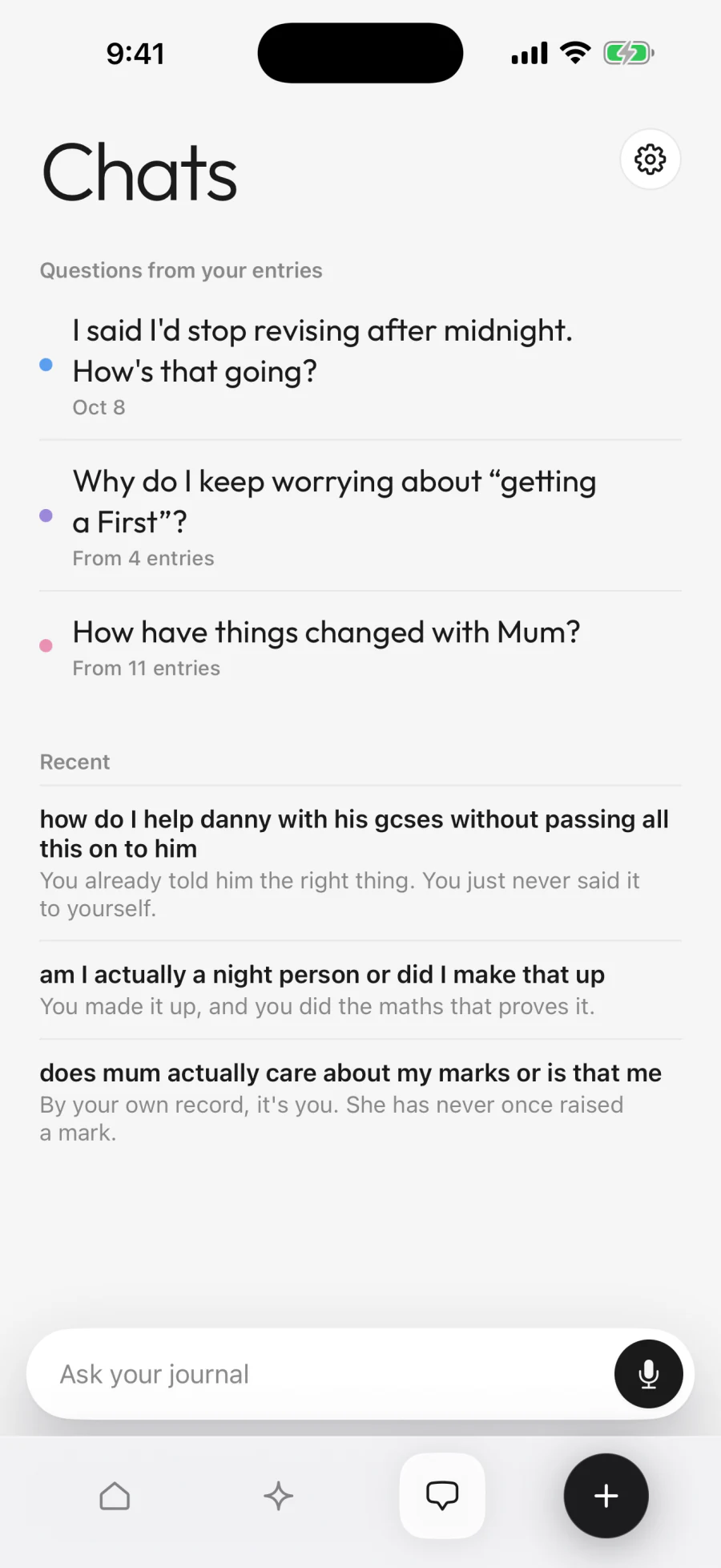
Open the app. Type. No template, no streak shame, no daily quota. If you're stuck, Diarello asks you a question from your own entries. Say how the day sat in one word, or skip it.
See yourself
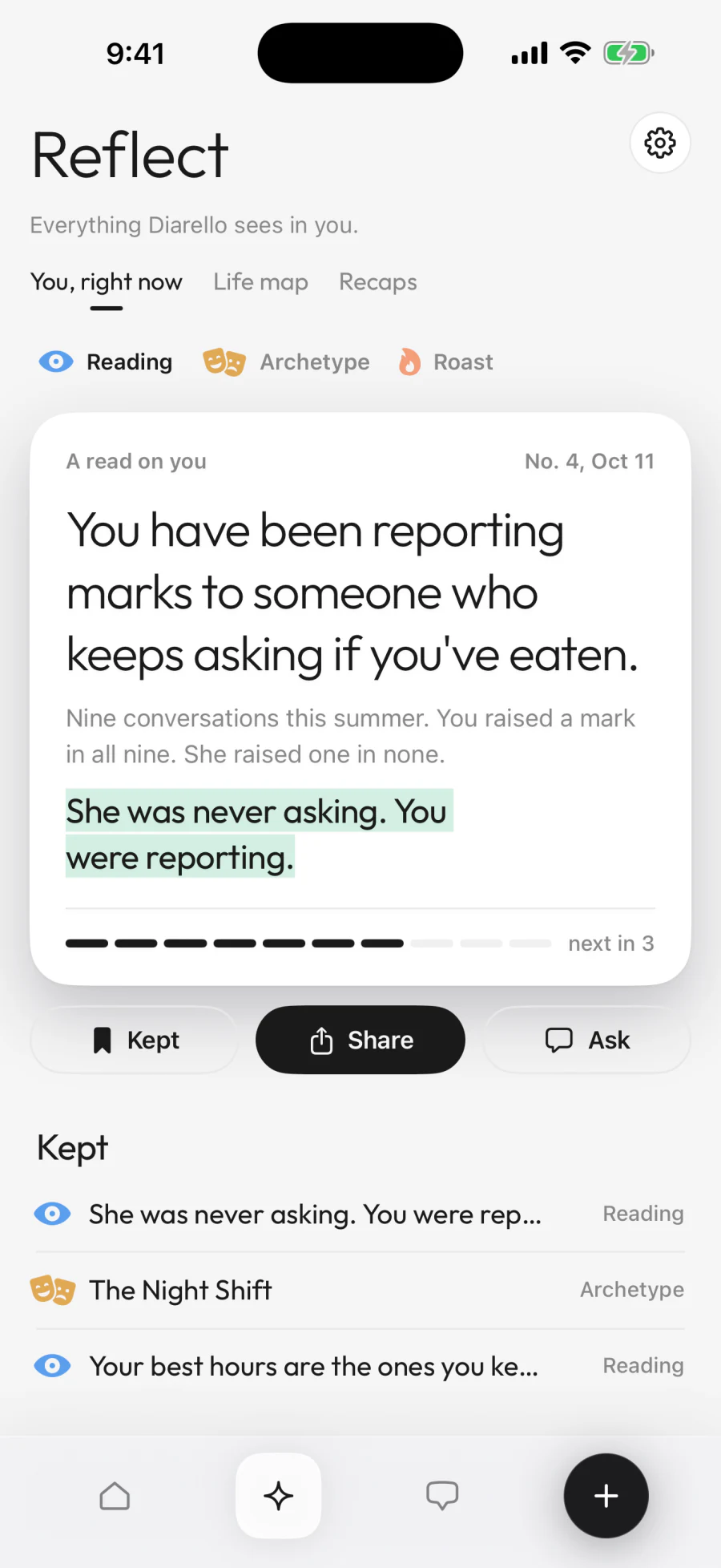
Read, Roast or Archetype: three lenses on what your own writing says about you. Keep the ones that land, and share them as a card.
The Life map
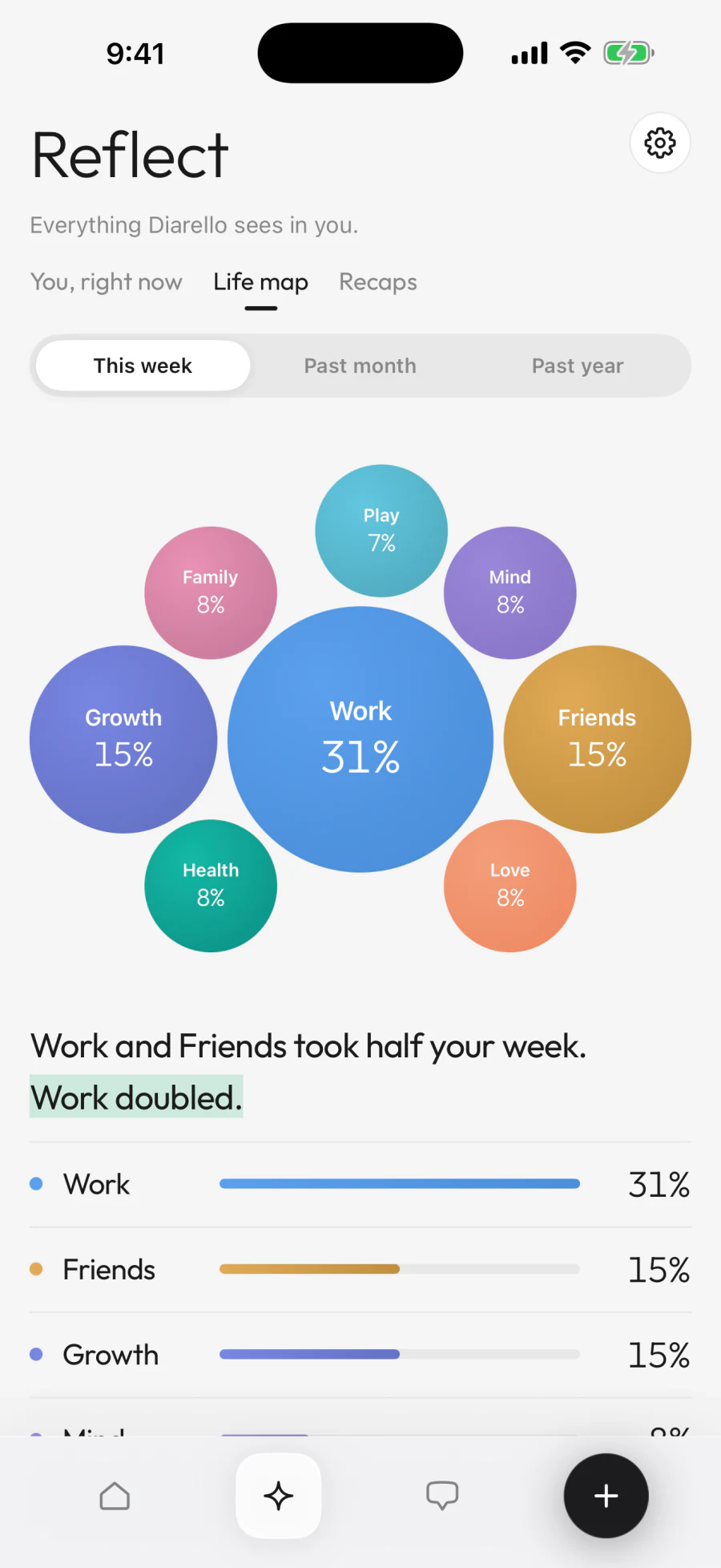
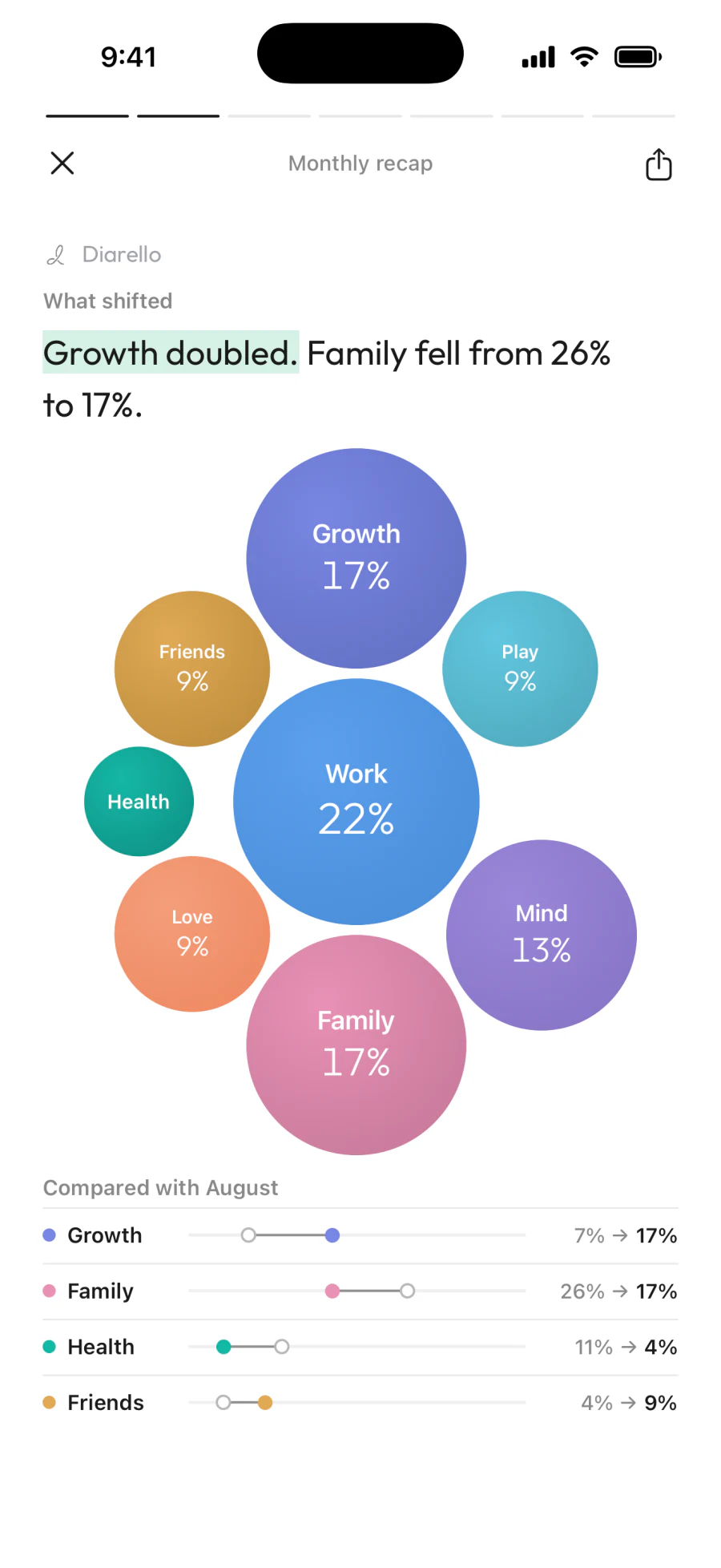
See where your attention went this week, this month, this year. One bubble for each part of your life, sized by how much you wrote about it, and one sentence that says what changed.
Weekly, monthly, yearly recaps
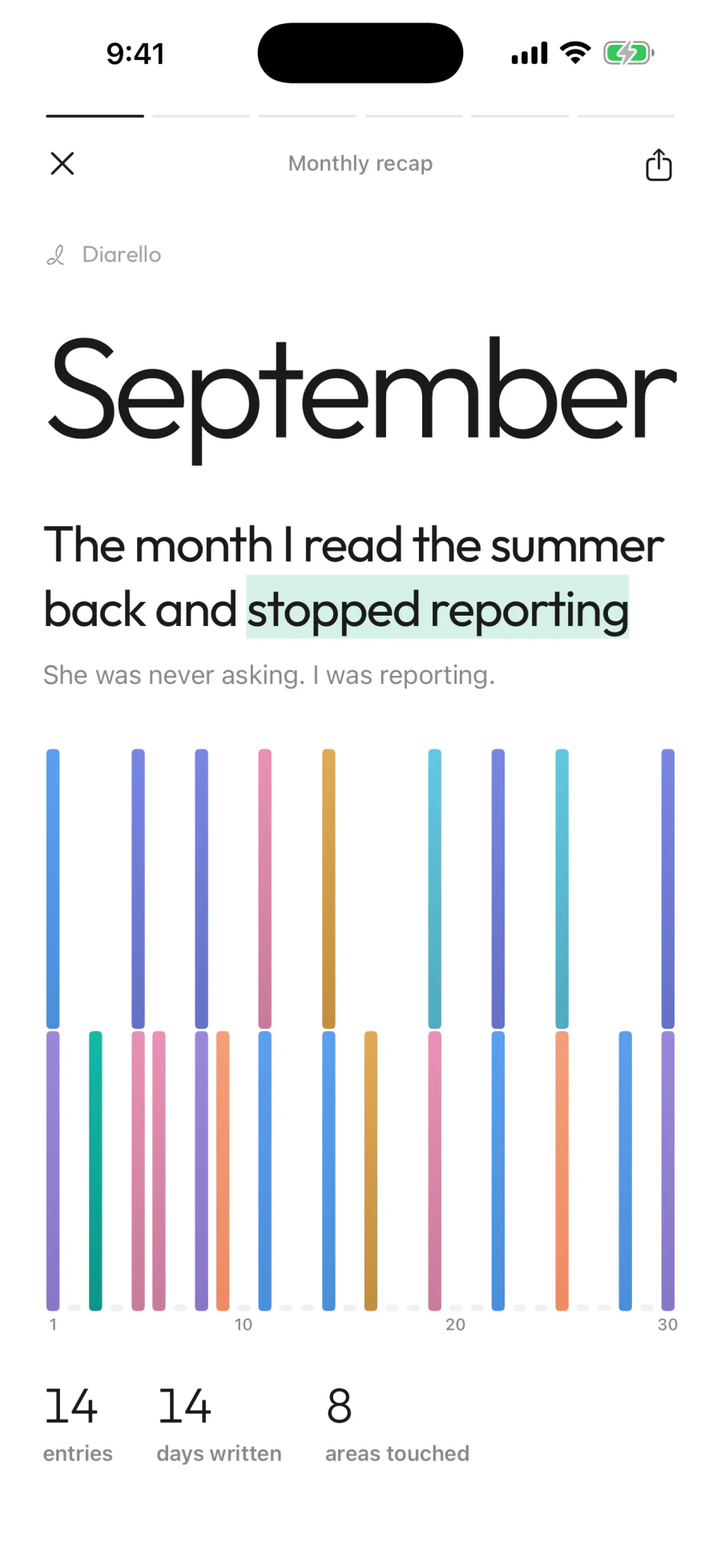
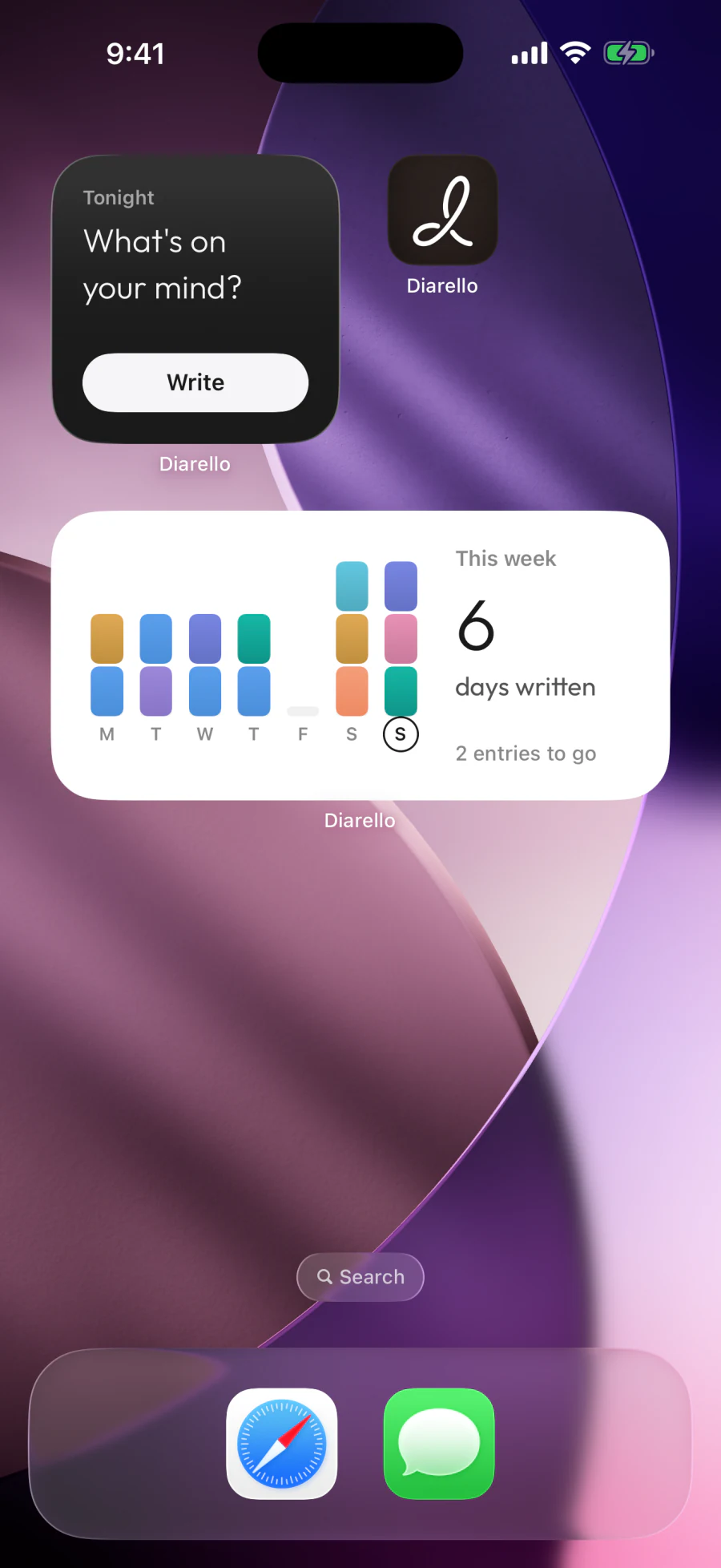
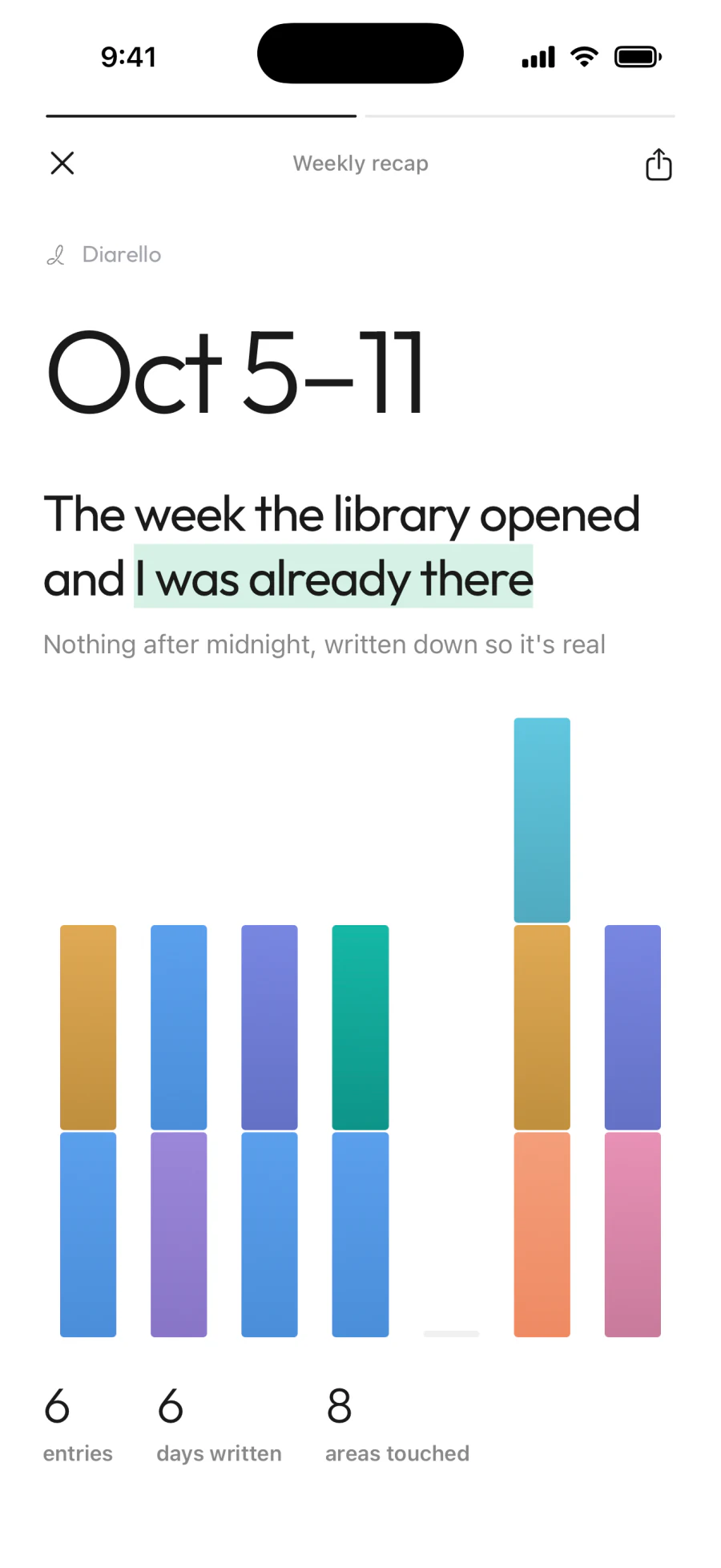
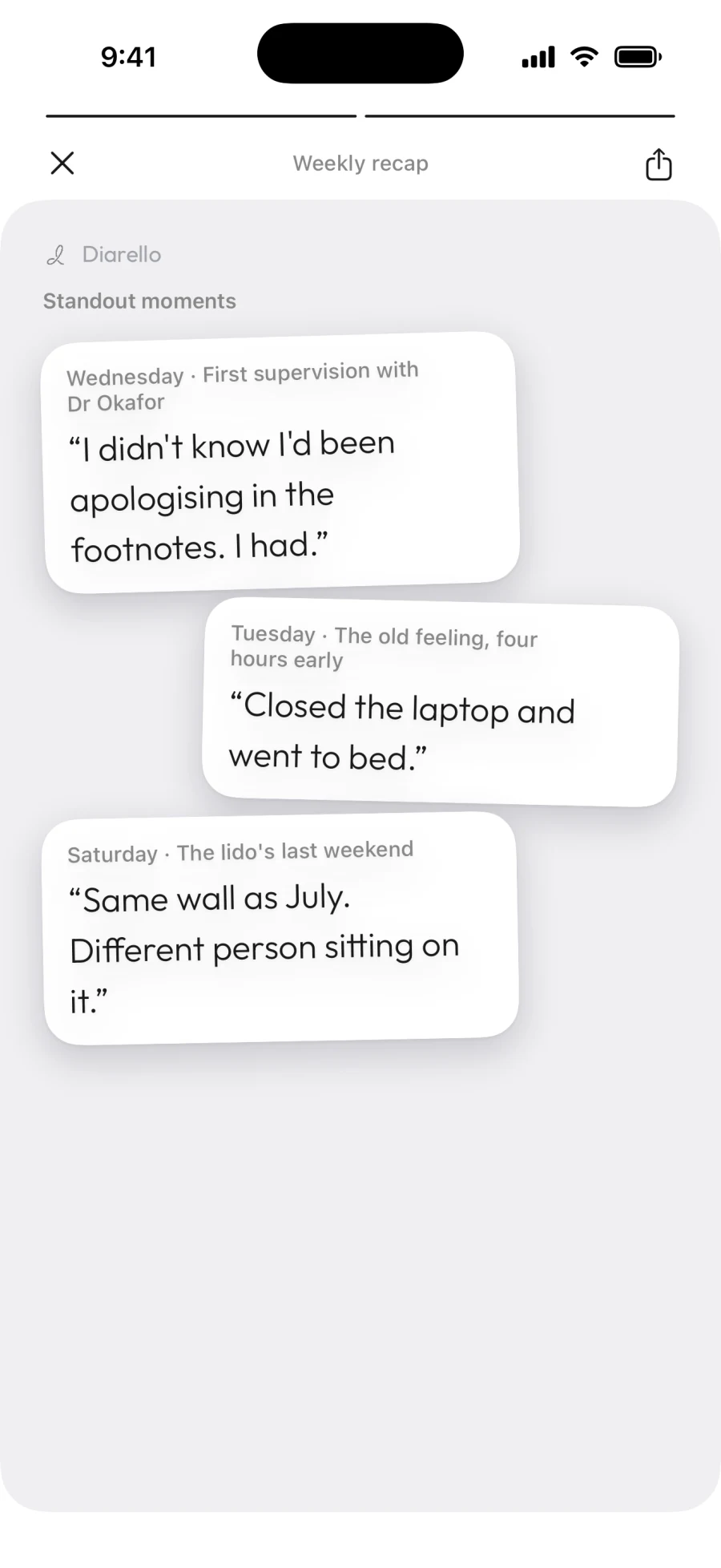
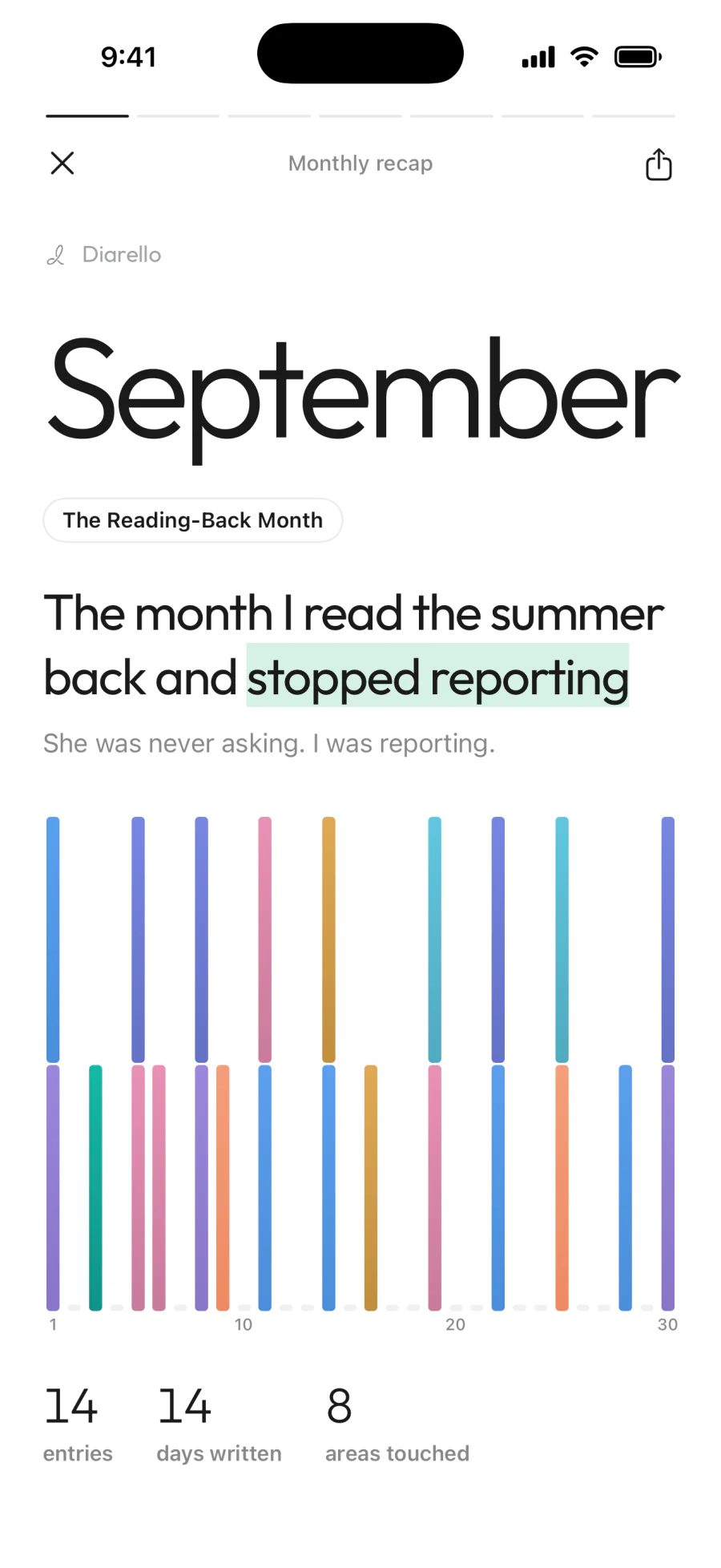
Each week: the week. End of the month: the patterns. December 31: the year. Not graphs. Sentences. Share any page as a card.
Chat with your journal
Ask “what's been on my mind this month?” The answer comes from your own writing. If you didn't write it, the AI doesn't have it to say.
Three steps. That's the whole loop.
- Step 1
Write a few lines
Write what's on your mind, encrypted on your device. Type it, or dictate it with your voice.
- Step 2
It files itself
Eight parts of your life. Each entry files itself, and you watch the week fill.
- Step 3
It reads you back
Week → month → year: your AI reads your time back to you. Ask your journal, and get patterns only your own data could surface.
Every Sunday: your week, read back
Cover
Every month: what it added up to
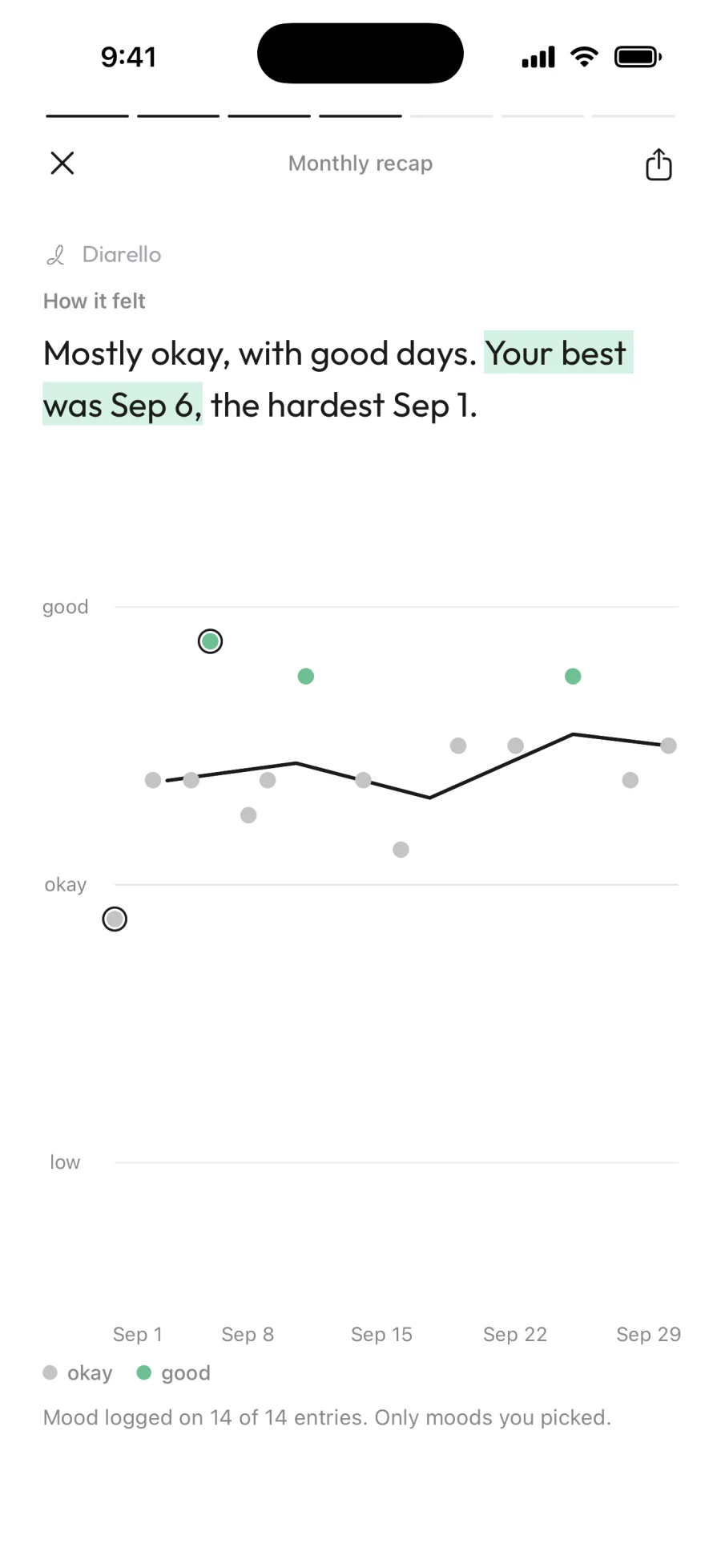
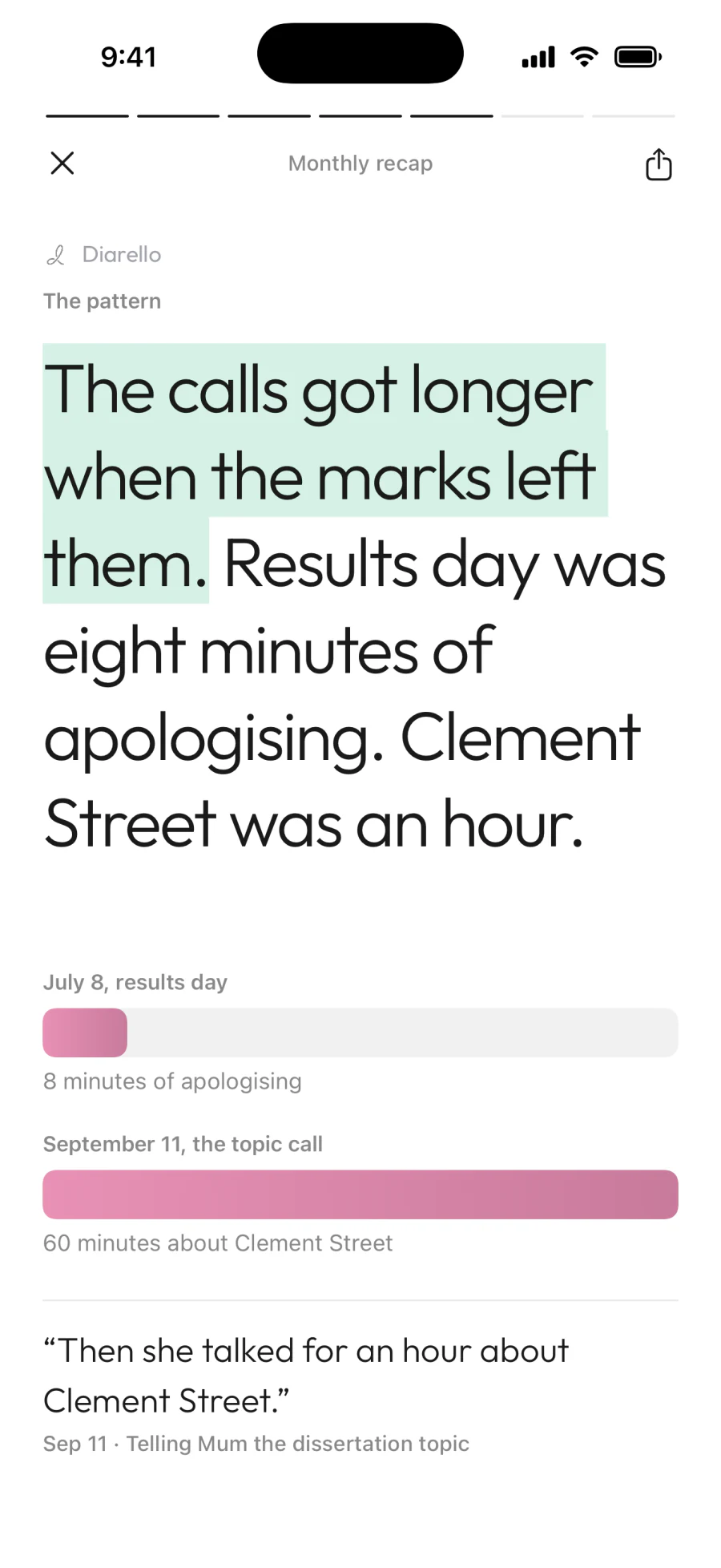
Cover
Sample recaps from a made-up journal, drawn by the app itself.
A journal earns trust by deserving it.
End-to-end encrypted.
Every entry is encrypted with AES-256-GCM on your iPhone before it's sent to our servers, so we can't read it. Your recovery key restores your journal on a new device; keep it somewhere safe.
Your entries don't train any AI.
Your writing goes to our AI provider only when it's needed to tag an entry, generate a recap or answer a chat question, and it isn't used to train their models. We don't sell your data.
Delete your account from inside the app.
Settings → Account → Delete Account. Two taps, immediate confirmation, full removal of your data within 30 days.
Full details: Privacy policy.
One subscription. Cancel anytime.
Real prices live inside the app since they vary by region and Apple handles the billing. The shape of it is straightforward — a weekly option and a yearly option. Cancel from your App Store settings anytime.
Weekly
Try it for a few weeks, no long commitment.
Yearly
Best valueThe most common choice — best balance of price and flexibility.
The things people ask first.
Yes. Every entry is encrypted with AES-256-GCM on your iPhone before it's sent to our servers, so we can't read it, and entries are never used to train AI models. Your writing goes to our AI provider only for the features you use: recaps, Reads, chat.
Your recovery key (DIAR-XXXX format) restores access to your encrypted entries on a new device. Keep it somewhere safe: without it, your entries can't be recovered if you lose access to your device.
No. When a recap is generated, your text is sent to a third-party AI provider acting as our service provider. Their commercial-API terms — which we verify before working with any provider — guarantee no retention for model training. We may switch providers over time; the no-training rule applies to whichever one is in use.
Open the iOS Settings app → tap your name → Subscriptions → Diarello → Cancel. Apple handles all subscription billing, so cancellation lives in their settings, not ours.
There's no permanent free tier — Diarello is a paid app — but Apple's standard introductory-offer mechanism applies, so a short trial is usually attached to the yearly plan when you first subscribe.
iPhone today, iOS 17 and up. iPad and Mac are on the roadmap; we'll announce them rather than guess at a date.
In the app: Settings → Account → Delete Account. Your sign-in credentials and personal information are removed immediately; your encrypted entries are scheduled for full removal within 30 days. The action can't be undone from inside the app.