Voice Journaling App: What to Look For and How to Start
· 5 min read

A voice journaling app should turn what you say into text you can search, keep your entries private, run on your phone, and help you learn from what you said, not just store it.
What should a voice journaling app do?
- Transcription. Speech should become readable text. To test any app, record a short sample in your usual accent that includes names and unfamiliar words, then read the result before you commit.
- Dictation or saved audio. Dictation types what you say into a journal. Recording keeps the audio itself. Decide which you want.
- Privacy. Check who processes your entries and whether they are encrypted.
- Platform. Check that the app runs on your device, including whether there is an Android or web version if you use more than an iPhone. Then test recording or dictation with your connection switched off before you rely on it, so you know whether it works offline.
- Reflection over storage. A pile of entries is hard to learn from. Look for recaps, search or patterns.
Voice journal or voice memos: what is the difference?
If you want more than saved audio, look for transcription, search and ways to group entries.
If you only want to capture a thought now and then, memos will do. If you want to look back and see what keeps coming up, use a journal app.
Which voice journaling apps are there, and who do they suit?
Rosebud, Daylio, Reflectly and Stoic are other journaling apps.
Choose by what you want to end up with:
- If you want to keep the sound of your voice, look for an app that saves audio.
- If you want to speak instead of type and read the words back, look for dictation. Diarello lets you type or dictate with your voice.
- If you want to learn from past entries, look for recaps and patterns. Diarello offers these, and it suits people who want text, structure and recaps.
Diarello runs on iPhone with iOS 17 and up; iPad and Mac are on the roadmap without a date.
Is a voice journal private and encrypted?
Privacy depends on audio retention, processing and deletion as well as entry encryption. Before you dictate anything sensitive, check these separately for any app:
- Is the audio stored, or only the text?
- Is transcription done on your device or in the cloud?
- Who processes your writing, and is it used to train AI?
- What happens to your entries when you delete your account?
If an app cannot answer the first two clearly, keep sensitive material out of it, or type it instead.
The facts below cover Diarello's entry encryption, processing and deletion. They do not establish whether voice audio is retained or where transcription happens, so check those two points before you dictate anything sensitive. Diarello does the following:
- Every entry is encrypted with AES-256-GCM on your iPhone before it is sent to the servers.
- Writing goes to Diarello's AI provider only to tag an entry, generate a recap or answer a chat question.
- Entries are not used to train AI models, according to the site.
- When you delete your account in the app, sign-in credentials and personal information are removed immediately.
- Full removal of encrypted entries is scheduled within 30 days after deletion.
How do I start voice journaling?
- Pick a quiet spot.
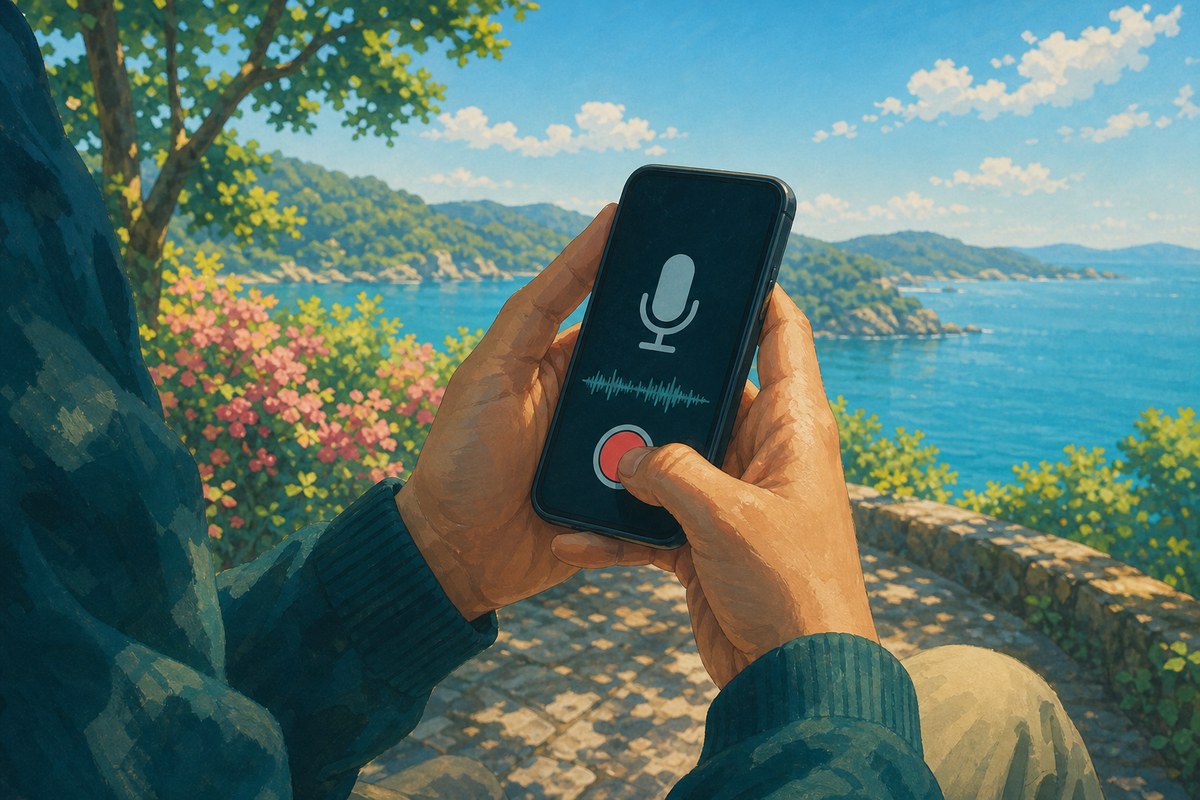
- Open your app and choose voice.
- Start with a simple prompt. Try one of these: "What is on my mind right now?" or "What went well today, and what did not?"
- Speak for as long as you like. Short is fine.
- Read the text back. Fix any words the app misheard, especially names and unusual terms.
- Stop when you run out of things to say.
Sample entry you can copy and adapt:
Today was busy. I felt rushed in the morning, but the walk at lunch helped. I want to call my sister this weekend. I keep putting it off. Tomorrow I will do one thing first: send that email.
Speaking in public places can feel awkward. If so, dictate in a parked car, a bedroom or a quiet corner, or type instead.
What can a journal tell you once you have spoken it?
A journal can show you where your attention went and what keeps coming up, if the app reads your entries back to you.

Diarello files each entry under one or more of eight life areas: Mind, Work, Friends, Family, Love, Health, Growth and Play. You do not sort anything by hand. It has no template, no streak and no daily quota, and it can ask you a question drawn from your own entries when you are stuck.
- Recaps. Weekly, monthly and yearly recaps written as sentences rather than graphs.
- Life map. One bubble for each part of your life, sized by how much you wrote about it.
- Chat. You can ask your journal questions. Answers come from your own writing.
- Lenses. Read, Roast or Archetype give a view of what your own writing says about you.
Recaps and Reads can be shared as cards.
Reviewing the sample entry
This is a hypothetical example. The sample entry touches Work (the email and the busy day), Family (the call to your sister) and Health (the walk). If several entries in a week touch Family only through putting things off, that is a pattern worth noticing. Attention is not the same as wellbeing: writing a lot about Work shows where your thoughts went, not whether you felt good about it.
A weekly review routine
- Pick one day each week, such as Sunday, and read your recap or your entries for the week.
- Look for an area you wrote about a lot, an area you barely touched, and anything you mention more than once without acting on it.
- Choose the one item that matters most to you and turn it into one small action, such as sending the email or calling your sister.
- Dictate that action as your first entry of the new week, then check next week whether you did it.
Is there a free voice journaling app, and what does it cost?
Diarello is a paid app with no permanent free tier. It has a weekly subscription option and a yearly subscription option, with real prices shown in the app. Apple's introductory offer may attach a short trial to the yearly plan.
To cancel, open iOS Settings, tap your name, then Subscriptions, then Diarello.
If you want to try spoken journaling with entries filed and read back to you, you can start with Diarello.